
Hardware
It runs on Android screens you can buy anywhere.
Alarm Station works on most modern Android devices. We test specific models and keep a recommended list, so you can buy the screen yourself or have your alarm company supply it.
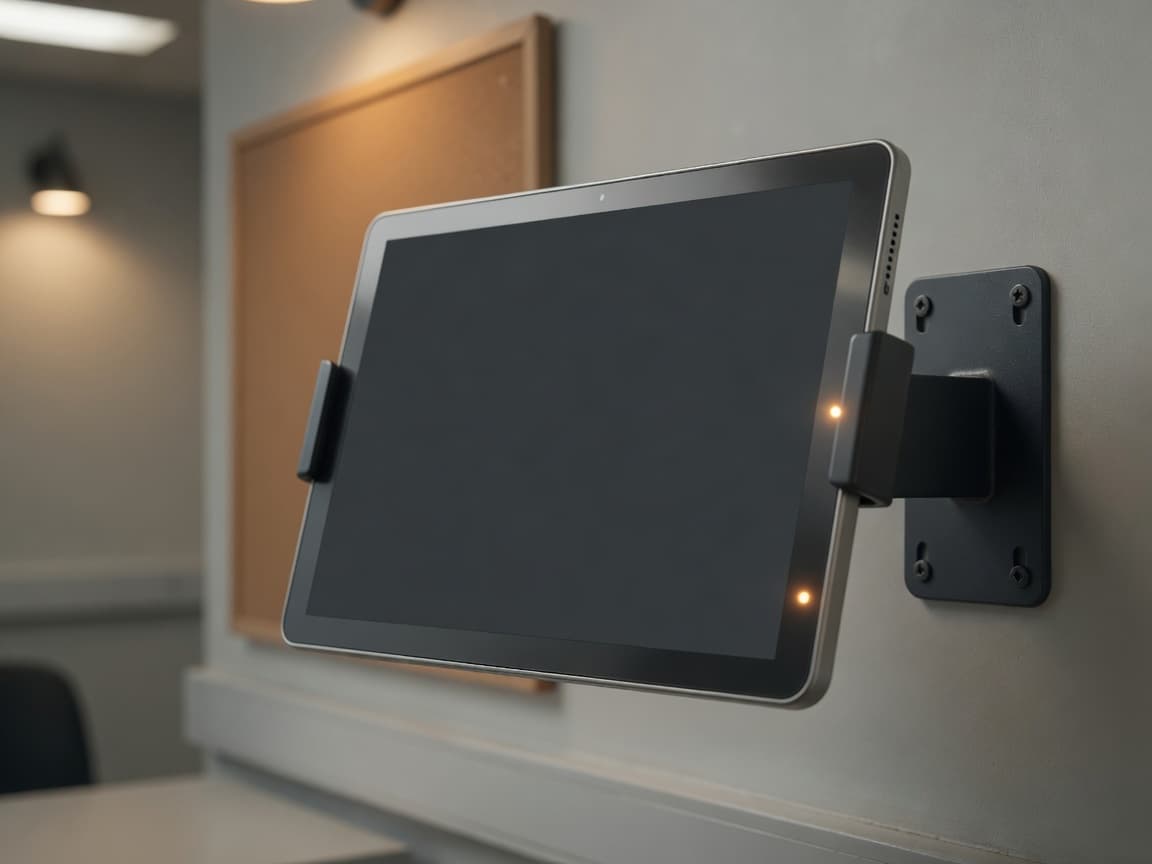
A tablet on a stand at the nurse desk, or a larger screen on the wall where people already walk past. There is no proprietary hardware to order and nothing to wait on. Buy it wherever you buy the rest of your equipment, or let the alarm company that looks after your community supply and mount it as part of what they install. Either way it is an ordinary Android device.
If you are not sure whether the model you have in mind will work, ask us before you buy.
Choose a device with a mobile connection as well as Wi-Fi. If the building internet goes down, the screen keeps receiving alarms over mobile data.
It runs as the home screen and stays on. When an alarm arrives the screen wakes and brings it forward, so there is nothing for staff to open and nothing to leave running.
Pick the size for the room
The words grow with the screen, so a tablet on a desk and a display across a corridor run the same software and both stay readable. Allow roughly 5.5 inches of screen for every foot between the screen and the person reading it.
10″ tablet
2.5 ft, a desk stand
15″ tablet
4 ft
32″ smart screen
6 ft
43″ smart screen
8 ft
55″ smart screen
10 ft, across a room
Tell us about the room.
We’ll tell you which model to standardize on. Buy it yourself, or get it from your alarm company.